Many cloud-based design tools let you centralize assets, collaborate in real time, automate version control, and accelerate delivery, helping you maintain consistency and focus on creativity across projects.
Real-Time Team Collaboration
You coordinate with designers and clients in real time, viewing edits as they happen, assigning tasks, resolving conflicts, and reducing review cycles for faster delivery.
Simultaneous document editing
You and teammates edit the same file simultaneously, see live cursors and comments, and restore previous versions without duplicating files or merging changes.
Instant team updates
You receive real-time alerts for comments, approvals, and uploads so responses happen faster and feedback cycles shrink.
You customize notification settings by project, channel, and priority to avoid noise while keeping stakeholders informed. Push, email, or in-app alerts point you to the exact artboard, comment, or approval action, so you can act immediately, track response times, and keep projects on schedule.
Remote File Accessibility
Cloud storage keeps your design files available from any internet-connected device, with version history and permissions to control access. You and teammates can open, edit, and share assets instantly without emailing large files or juggling local copies.
Work from anywhere
You can access project files from studios, coffee shops, or client sites using cloud-hosted assets and permissions controls. Real-time syncing reduces duplication, so you pick up work on any machine without losing progress.
Mobile device access
You can preview, annotate, and share designs from your phone or tablet, speeding approvals and quick edits on the go. Offline access and background sync keep files ready when you reconnect.
Mobile apps let you open layered files, apply basic edits, and send annotated proofs to clients, while cloud rendering previews preserves file fidelity without heavy local processing. Strong access controls, two-factor authentication, and remote wipe options protect assets on lost devices. You receive push notifications for comments and approvals, so small fixes and sign-offs move forward without returning to your desktop.
Automated Version Control
Automated version control stores every edit and annotation so you can retrieve past states quickly and maintain a chronological audit of your design process.
Track design changes
You monitor change logs, compare snapshots side-by-side, and assign comments to specific revisions to keep feedback actionable across collaborators.
Restore previous iterations
You roll back to earlier files or branches with one click, enabling quick experiments without permanently overwriting work.
You restore individual layers, artboards, or whole files from prior versions, preview differences before applying, and retain comments and timestamps so team context stays intact.
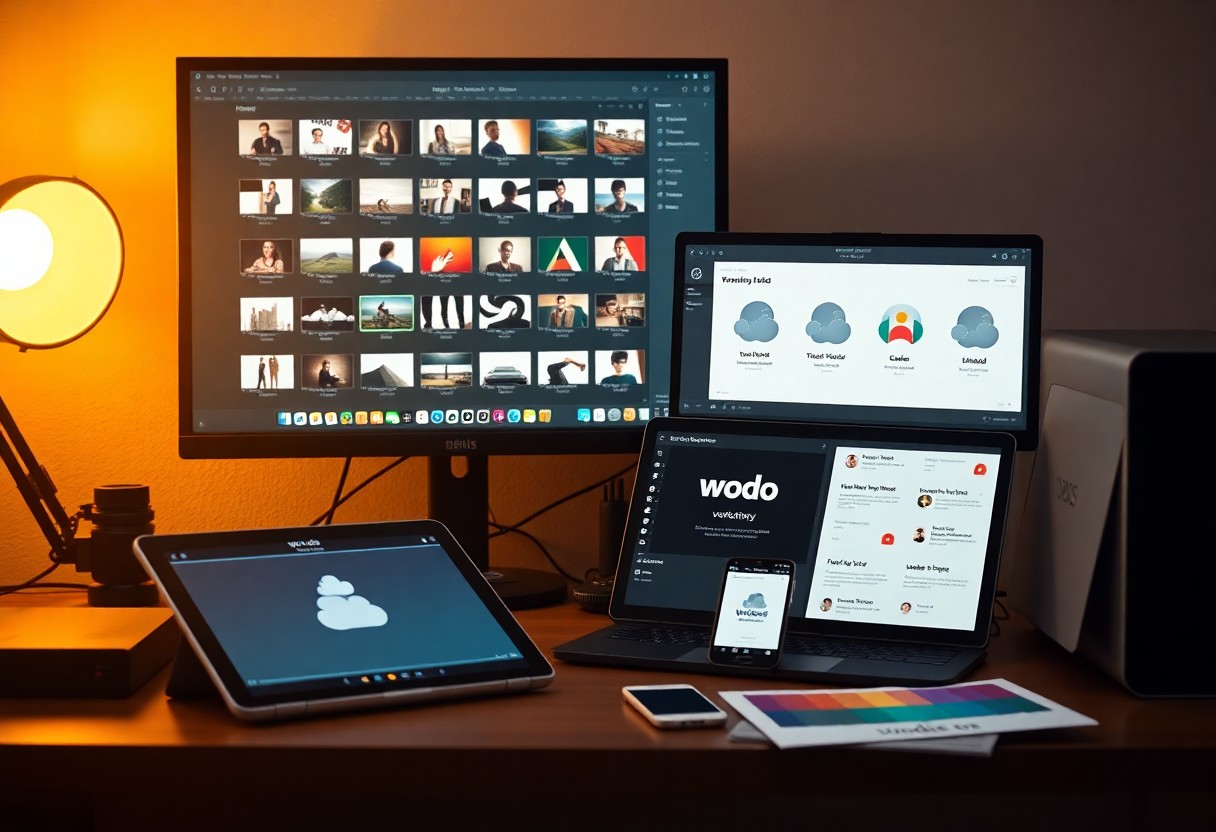
Asset Sharing
You use cloud tools to sync design files, images, and templates across teams in real time, cutting version conflicts and speeding approvals.
Centralized brand libraries
You access centralized brand libraries that store logos, color palettes, and approved assets so every designer applies consistent branding instantly.
Shared font collections
You tap shared font collections hosted in the cloud so typography remains consistent across projects and platforms.
You sync licensed font families centrally, propagate updates to design apps automatically, and enforce license rules to prevent missing fonts. Cloud font hosting offers web-safe fallbacks and simplifies handoffs between designers and developers.

Instant Client Feedback
You get near-instant reactions to designs through cloud tools, speeding revisions and reducing email back-and-forth. Real-time previews let you adjust layouts while clients comment, shortening project timelines and increasing clarity.
Live comment threads
You can annotate designs directly in the file, creating threaded conversations tied to specific elements. Time-stamped comments make feedback actionable and keep context visible for everyone on the project.
Direct approval workflows
You route assets to stakeholders with built-in approval steps, so sign-offs are tracked and timestamped. Version control prevents accidental edits after approval, reducing rework and disputes.
You set approval gates and assign approvers per stage, enabling parallel or sequential reviews. Automated reminders and audit logs speed decisions and provide a clear record for billing or legal sign-off.
Scalable Cloud Storage
Scalable cloud storage gives you elastic capacity to store and organize project files, versions, and assets. You access, sync, and share work across devices while paying for only the storage you use, which supports growing teams and larger portfolios.
Unlimited file space
Unlimited file space lets you keep archives, high-resolution masters, and every iteration without deleting valuable work. You organize with folders, tags, and version history so older assets remain accessible for future campaigns.
Large file delivery
Large file delivery enables you to send multi-gigabyte design files directly to clients, collaborators, or print vendors without compression loss. You generate secure, time-limited links and monitor downloads to control distribution.
Use CDN-backed transfer, parallel uploads, and resumable transfers so you avoid re-sending files after interruptions and reduce overall upload times. You can preflight exports to ensure color profiles and bleed settings remain intact for printers and large-format output.
Cross-Platform Integration
You rely on cloud-based integration to move files, fonts, and color systems between desktop apps, tablets, and browsers, keeping designs consistent and reducing duplicated work.
Sync across apps
You set up automatic syncing so changes in your design tool propagate to prototyping, asset managers, and version history, giving you instant updates and clearer collaboration.
Unified software ecosystems
You choose ecosystems where plugins, libraries, and collaboration tools share a common framework, making configuration and team onboarding faster.
In unified ecosystems you access shared component libraries, consistent file handling, centralized permissions, and integrated plugin marketplaces, so you reduce context switching and accelerate handoffs between design, engineering, and marketing.
Automated Data Backups
You rely on scheduled cloud backups to protect design files and version histories, ensuring quick recovery after hardware failure or accidental deletion while freeing you from manual saving and reducing project downtime.
Prevent data loss
You set frequent automatic snapshots so you can restore previous versions when mistakes happen, minimizing rework and keeping deadlines on track without relying on local drives that can fail.
Secure cloud hosting
You choose cloud hosts with strong encryption, strict access controls, and compliance certifications so client files remain private and you meet contract or legal obligations.
You can require multi-factor authentication, role-based permissions, and single sign-on to limit access. Encryption for data at rest and in transit protects assets, and certified providers (SOC 2, ISO 27001) offer audit trails. You should evaluate key management options, regional storage controls, and incident response SLAs to match your security posture.
Reduced Hardware Dependency
You run advanced design software from modest machines when cloud processing handles heavy compute, cutting the need for pricey GPUs and constant upgrades. This lowers capital expenses and lets you focus on creative output rather than hardware limits.
Browser-based rendering
You open and edit complex files directly in your browser while remote GPUs render frames, avoiding local installs and OS conflicts while speeding review cycles and collaboration.
Lower local storage requirements
You store assets in the cloud and stream large files on demand, freeing disk space so you can juggle multiple projects without huge local archives or slow backups.
You rely on cloud-hosted asset libraries that deduplicate files, apply version control, and permit selective sync so only active assets occupy local drives. Offloading backups and archiving reduces recovery time and simplifies device swaps. Bandwidth-aware streaming previews let you work with large source files without full downloads, preserving responsiveness on laptops and tablets.
Streamlined Project Management
You streamline approvals and communication with cloud-based boards, centralized asset storage, and version history, so teams stay aligned and changes are tracked in real time.
Integrated task lists
You create task lists with attachments, deadlines, and comments on each item, making handoffs clear and reducing email threads.
Deadline tracking tools
You use shared calendars, Gantt views, and automated reminders to spot conflicts early and keep deliverables on schedule.
You set task dependencies, buffer windows, and time-zone-aware deadlines; integrations sync with calendars and messaging apps, while reports reveal delay patterns so you reassign resources and adjust timelines.
Summing up
Hence you can speed design cycles, collaborate in real time, access assets anywhere, automate repetitive tasks, reduce file conflicts, simplify version control, and shorten review loops so you deliver polished work faster and scale team output without extra overhead.